BlogPosting Author Schema: Stop Using a Bare Name String
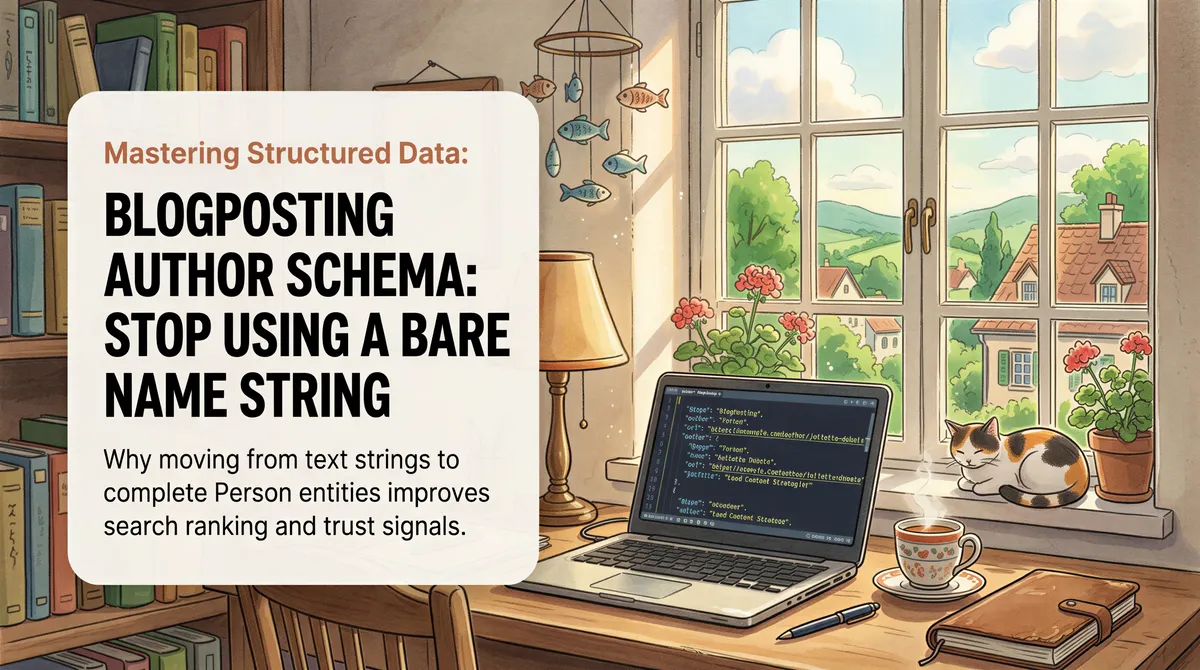
We spent a day writing real author bios for fifteen sites. Not the "passionate about technology" kind. The actual story of why each product exists, one per site, each one true.
Then we looked at the structured data on a published article and found this:
A name. That is all any of those articles was telling Google about who wrote them.
Every credential we had carefully published on the site (the profiles, the topics, the schooling, the company) was sitting in a different object, on a different page, with nothing pointing between them. We had built the entity and then thrown away the wire.
Table of Contents
- You probably already have a Person entity
- What a bare name string actually says
- The one-line fix
- The visible byline is part of this
- Check yours in about a minute
- One more thing worth checking while you are in there
You probably already have a Person entity
If your site has an about page with proper markup, you are already publishing something like this:
That is the good stuff. sameAs is how a search engine reconciles you with the rest of your presence on the web. knowsAbout is a topical claim. alumniOf and jobTitle are the closest thing schema has to credentials.
It is doing nothing for your articles.

What a bare name string actually says
"author": {"@type": "Person", "name": "Jane Doe"} declares a brand new Person. Not the one on your about page. A different one, with no identity, that exists for the length of one page and has exactly one property.
Schema.org has no concept of "you know who I mean." Two Person objects with the same name are two people until you say otherwise. So the article inherits nothing: no profiles, no topics, no job, no bio.
Publish fifty articles that way and you have created fifty anonymous authors who happen to share a name with someone credible elsewhere on your domain.

The one-line fix
Reference the entity instead of describing a new one:
That is the whole change. @id is a pointer. When a consumer of your markup resolves the graph, the article's author is the Person on your about page, with every property that object carries.
Two things have to be true for it to work:
- The Person object must actually be published somewhere with that exact
@id, on a page the crawler can reach. - The
@idmust match character for character. A trailing slash difference is a different node.
You do not need to repeat @type alongside @id. The node you are pointing at already has one.

The visible byline is part of this
Markup is a claim. A link is evidence.
Our byline was a name in a rounded box. Not a link, just text. So the human-readable version of "who wrote this" pointed nowhere, while the machine-readable version pointed at a page we had not built on eight of our sites.
Both halves got fixed together:
- the byline is now an anchor to
/aboutcarryingrel="author" - every site that renders a blog now actually has an
/aboutpage for it to land on
rel="author" is not magic and it will not rank you. It just makes the relationship you asserted in JSON-LD visible in the HTML, and consistency across those two is the cheapest credibility signal you can ship.
Check yours in about a minute
Open any published article on your site and search the source for "author".
- If you see a
nameand nothing else, you have the problem in this article. - If you see
"@id", follow it. Load that URL and confirm a Person object with that exact id is really there. - Click your own byline. If nothing happens, that is the second half.
The Rich Results Test will happily pass a bare name string, so a green check here proves nothing. It is valid. It is just empty.

One more thing worth checking while you are in there
If your Person markup has a jobTitle, read what is in it.
Ours held a 180-character paragraph about the founder's history, copied identically across fifteen sites. jobTitle is a title, so that content was both duplicated everywhere and sitting in a field no one reads that way. description is the field that exists for a bio, and it renders on the about page as a bonus.
Getting the entity right is not the hard part. Remembering to point at it is.

Your product ships. It just ranks.
ItJustRanks plans, writes, and publishes SEO content for your site via pull requests — grounded in Search Console, in your voice.
Request early access